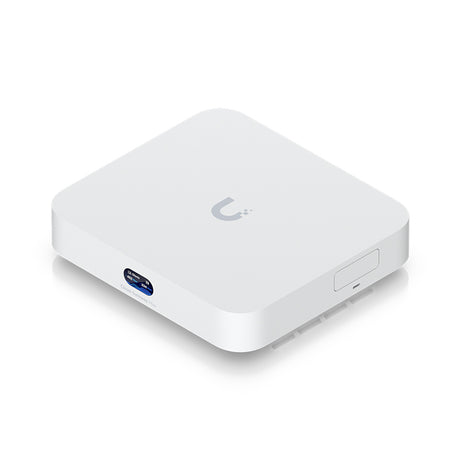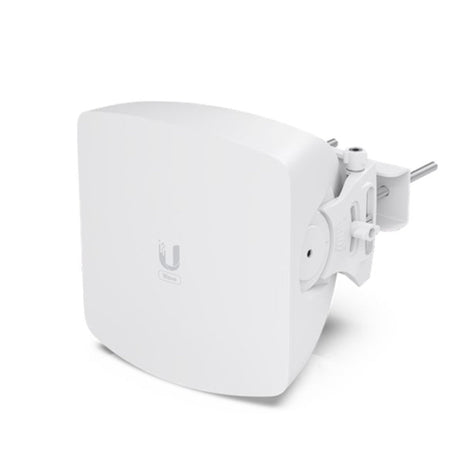


Manufacturer's photos. Where a power lead is pictured, an AU one is provided.
UC-Cast-Lite Ubiquiti UniFi Connect Display Cast Lite
We ship from partner warehouses, so pickup is not automatic. Choose delivery at checkout and contact us if you would like to arrange pickup.
Description
Description
Instantly transform any TV display into a powerful managed digital signage device.
The Connect Cast Lite (UC-Cast-Lite) is a digital signage player designed for media playback on HDMI displays. It is fully managed with UniFi Connect.
Note. HDMI cable not included. Protect camera streaming not supported. Use Protect ViewPort to view Protect camera feeds on an HDMI display.
Frequently asked questions5 questions
What is the UC-Cast-Lite used for?
Can the UC-Cast-Lite show UniFi Protect camera feeds?
What video resolutions and display output does it support?
How is the UC-Cast-Lite powered and connected to the network?
What UniFi Connect software versions does it require?
Specifications18 specifications · 4 sections
| Overview | |
|---|---|
| Dimensions | Without mount: 90 x 52 x 31 mm / (3.5 x 2.1 x 1.2") / With mount: 92.1 x 56.3 x 40.8 mm / (3.6 x 2.2 x 1.6") |
| Display Output | (1) HDMI port |
| Video Content Support | 480p / 720p / 1080p |
| Mechanical | |
| Weight | Without mount: 160 g (5.6 oz) / With mount: 180 g (6.3 oz) |
| Pole Mount Diameter | 1~2" (25–50 mm) |
| Hardware | |
| Processor | Quad-Core Arm® Cortex®-A55, 1.9 GHz |
| Memory | Storage: 16 GB / RAM: 2 GB |
| Power Method | (1) USB Type-C 5V DC, 1A |
| Max. Power Consumption | 5W |
| Connectivity | WiFi 2.4G, BW 20/40 MHz / WiFi 5G, BW 20/40/80 MHz |
| WiFi Standards | 802.11 a/b/g/n/ac/ax |
| LEDs · System | White/blue (<a href="https://help.ui.com/hc/en-us/articles/204910134-Understanding-Device-LED-Status-Indicators" target="_blank" rel="noopener noreferrer">Learn More</a> ) |
| Buttons | (1) Factory reset |
| Ambient Operating Temperature | 0 to 40° C (32 to 104° F) |
| Ambient Operating Humidity | 20 to 90% noncondensing |
| Certifications | CE, FCC, IC, Wi-Fi CERTIFIED / UL 62368-1, CSA C22.2 No. 62368-1 |
| Software | |
| Management Application · UniFi Connect Web | Version 3.17.0 and later |
| Management Application · UniFi Connect iOS™ and Android™ | Version 2.26.0 and later |
Payment & Security
Payment methods
Your payment information is processed securely. We do not store credit card details nor have access to your credit card information.